
Minecraft Building & Survival Guide (2026 Update)
Minecraft remains the ultimate sandbox. Whether you are optimizing a Survival run or designing a Creative masterpiece, mastering the mechanics is key. This guide covers essential modes, cross-platform details, and the current state of spinoffs. For more specific build guides and news, check out our 🎮 Minecraft Game Hub.
Key Takeaways
- Creative vs. Survival: Choose Creative for architecture and Survival for resource management challenges.
- Customization: Use Resource Packs and Add-Ons to modernize visual fidelity.
- Spinoff Status: Minecraft Dungeons and Legends have ceased development but remain fully playable.
Disclaimer: The links provided herein are affiliate links. If you choose to use them, I may earn a commission from the platform owner at no extra cost to you.
Gameplay Core: Creative vs. Survival
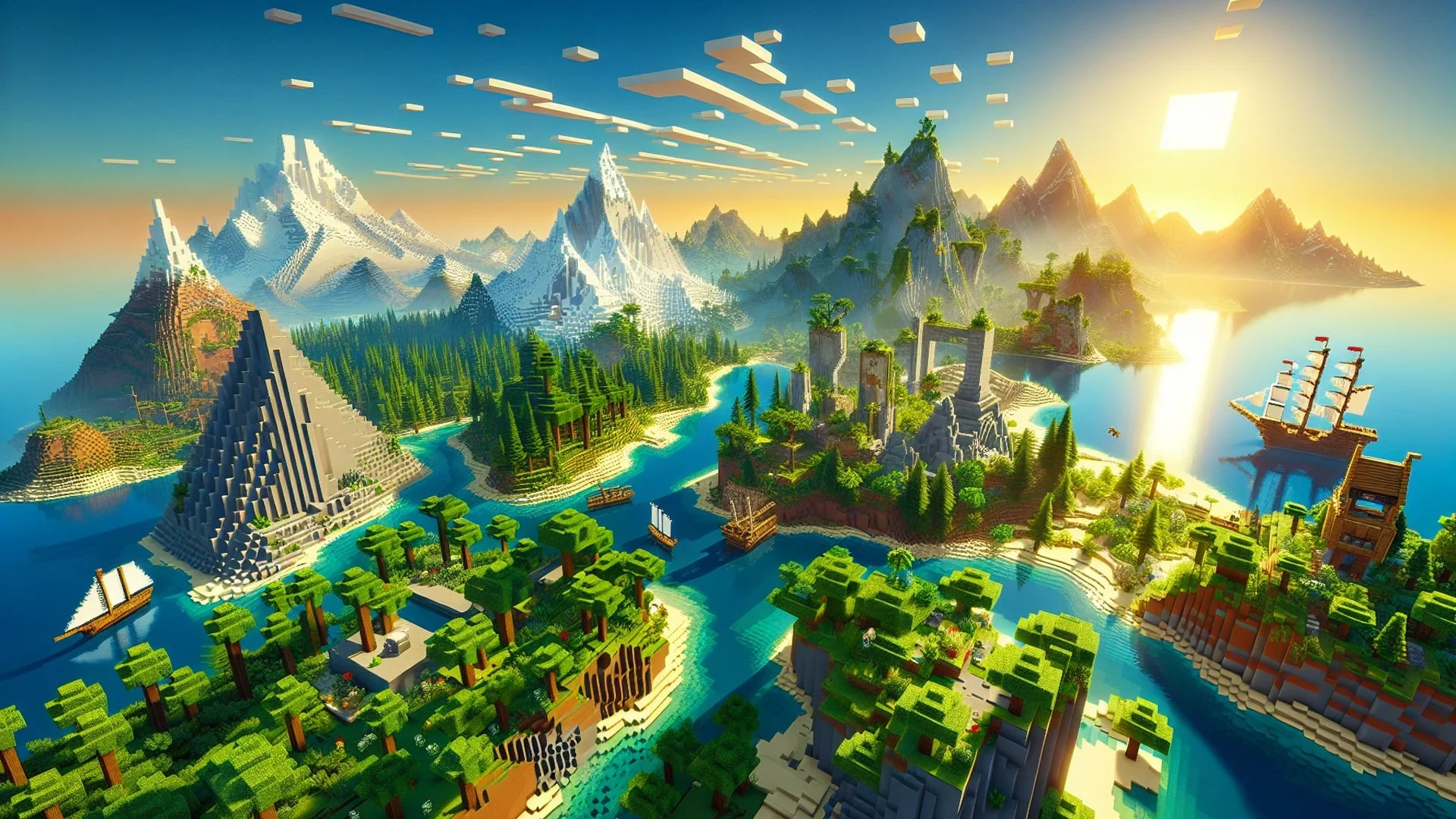
Minecraft revolves around two primary modes. Understanding the distinction is the first step for any new player.
Creative Mode
Creative Mode grants invulnerability, flight, and unlimited resources. It is the standard for large-scale building projects. Key features:
- Instant Break: Blocks are destroyed in one click, speeding up demolition.
- Flight: Double-tap jump to fly, allowing for aerial construction.
- No Hunger/Health: Focus purely on building without survival mechanics.
Pro Tip: Use the command /gamemode creative to switch instantly if cheats are enabled, or F3 + F4 to cycle modes.
Survival Mode
Survival Mode introduces scarcity and danger. You must mine materials, manage hunger, and defend against hostile mobs (Creepers, Skeletons, Zombies). Progression relies on the tech tree:
- Tier Progression: Wood → Stone → Iron → Diamond → Netherite.
- Risk/Reward: Exploring caves yields better ore but increases the risk of death and item loss.
Cross-Platform & Bedrock Edition

Modern Minecraft is unified primarily under the "Bedrock Edition." This engine allows for seamless cross-play across consoles, mobile, and PC.
Bedrock Edition (Multi-Platform)
If you play on Xbox, PlayStation, Switch, Android, iOS, or Windows 10/11, you are playing Bedrock.
- Cross-Play: A Switch player can play on the same server as a PS5 or PC player.
- Marketplace: A centralized store for skins, texture packs, and maps.
- Performance: Generally runs smoother on lower-end hardware compared to Java Edition.
Java Edition (PC Only)
Java Edition is the original version, exclusive to Windows, Mac, and Linux. It is preferred by technical players for its advanced modding capabilities (Forge/Fabric) and distinct combat mechanics. It does not cross-play with consoles natively.
Visual Customization

You can alter the game's aesthetic without changing mechanics using packs.
- Resource/Texture Packs: Change the pixels of blocks and items. You can make the game look photorealistic, cartoonish, or retro.
- Shaders (PC): Adding shaders dramatically changes lighting, water reflections, and shadows. Note: This requires a decent GPU.
Multiplayer: Realms vs. Servers
Minecraft Realms is Mojang's official subscription service. It is the easiest way to host a private, always-online world for friends. It handles backups and security automatically.
Dedicated Servers offer more control and higher player caps but require technical setup or third-party hosting. Massive public servers (like Hypixel) offer minigames completely different from standard survival, such as BedWars or SkyBlock.
Spinoffs: Dungeons & Legends

Mojang has expanded the universe with two major titles. Note that as of 2026, both titles have finished their development cycles but remain playable.
- Minecraft Dungeons: A Diablo-style ARPG dungeon crawler. It focuses on loot, gear, and combat rather than building. Development ended in late 2023, leaving a complete package with all DLCs available.
- Minecraft Legends: An action-strategy game where you command armies of mobs. Support for new content ended in early 2024, but servers remain active for PvP and co-op campaigns.
Frequently Asked Questions
Is Minecraft OK for a 7 year old?
Minecraft is generally recommended for ages 8+. However, Creative Mode is safe for younger children as it removes enemies and combat. Survival Mode contains mild cartoon violence.
Which Minecraft is for kids?
Minecraft: Education Edition is designed specifically for schools. For home use, standard Minecraft in "Creative" or "Peaceful" difficulty is the best choice.
How old is Minecraft exactly?
Minecraft's first public build was released in May 2009. The official "1.0" release was November 2011. As of 2026, the game is over 16 years old.
What are the two primary gameplay modes in Minecraft?
Creative Mode (unlimited building) and Survival Mode (resource gathering and combat).
Which platforms are compatible with Minecraft?
Bedrock Edition: PC, Xbox Series X/S, Xbox One, PS5, PS4, Switch, iOS, Android.
Java Edition: PC (Windows, Mac, Linux).
Author Details

Mazen (Mithrie) Turkmani
I have been creating gaming content since August 2013, and went full-time in 2018. Since then, I have published hundreds of gaming news videos and articles. I have had a passion for gaming for more than 30 years!
Ownership and Funding
Mithrie.com is a Gaming News website owned and operated by Mazen Turkmani. I am an independent individual and not part of any company or entity.
Advertising Policy
Mithrie.com is supported by advertising revenue to sustain independent gaming journalism. We utilize partners such as Google AdSense and may work with other ad networks in the future. Editorial content remains objective and is not influenced by advertisers or sponsorships unless explicitly stated.
Use of Automated Content
Mithrie.com uses AI tools (including ChatGPT and Google Gemini) to assist in structuring and formatting content. All news stories are fact-checked, edited, and verified by Mazen Turkmani to ensure accuracy and journalistic integrity.
News Selection and Presentation
The news stories on Mithrie.com are selected by me based on their relevance to the gaming community. I strive to present the news in a fair and unbiased manner.